
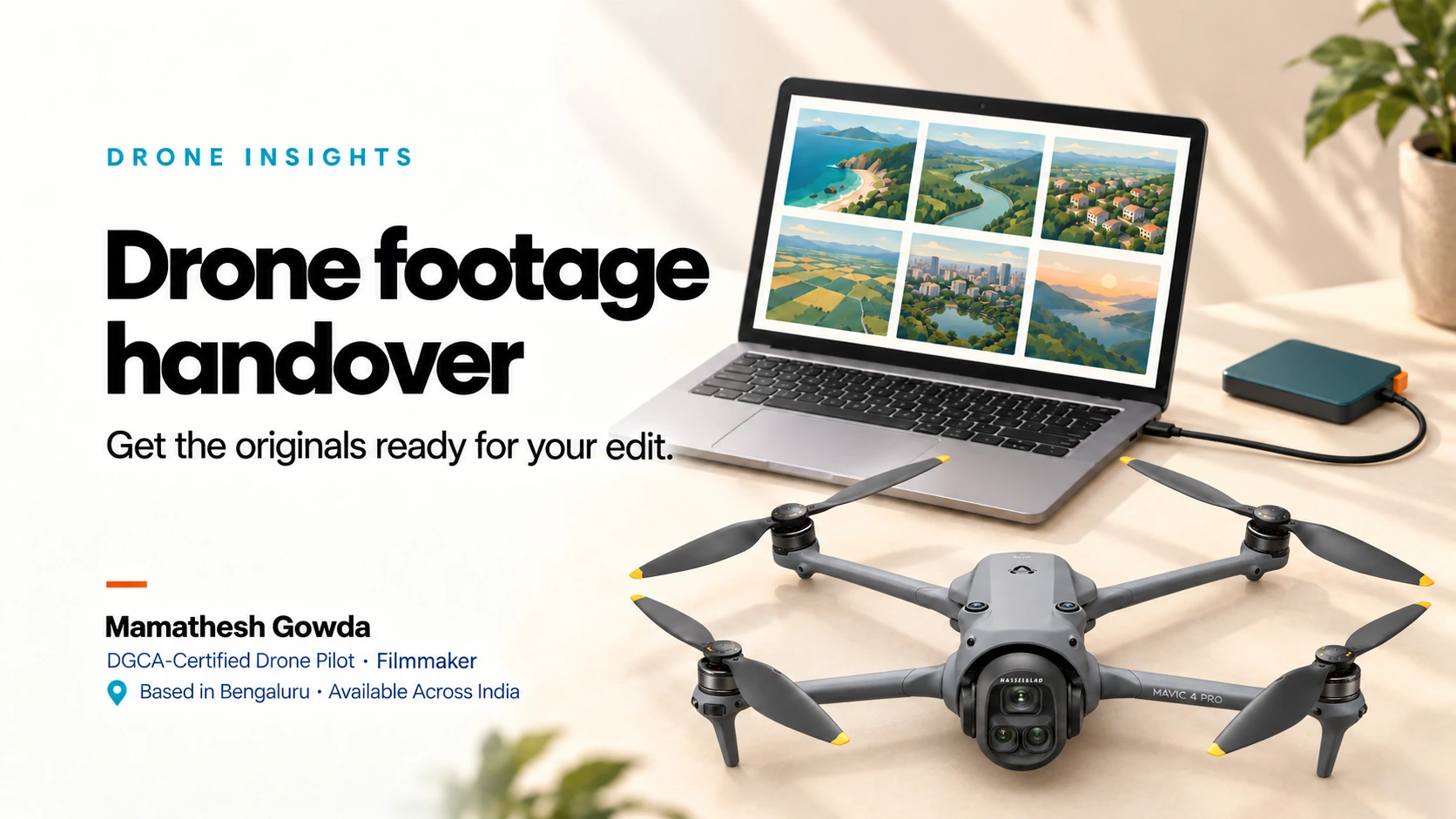
A little preparation before the shoot makes it easier to get the original files into the right hands afterwards.
When I plan a drone shoot with a client or production team, I also want to know who will receive the footage and who will edit it. That helps us agree on recording needs and a practical handover setup before we arrive on location.
My service covers aerial capture and original-file handover. Your client, agency or production team takes the footage through editing and manages long-term storage. Here is what I recommend preparing so that handover is a clear part of the shoot plan.
Bring your editor into the conversation early
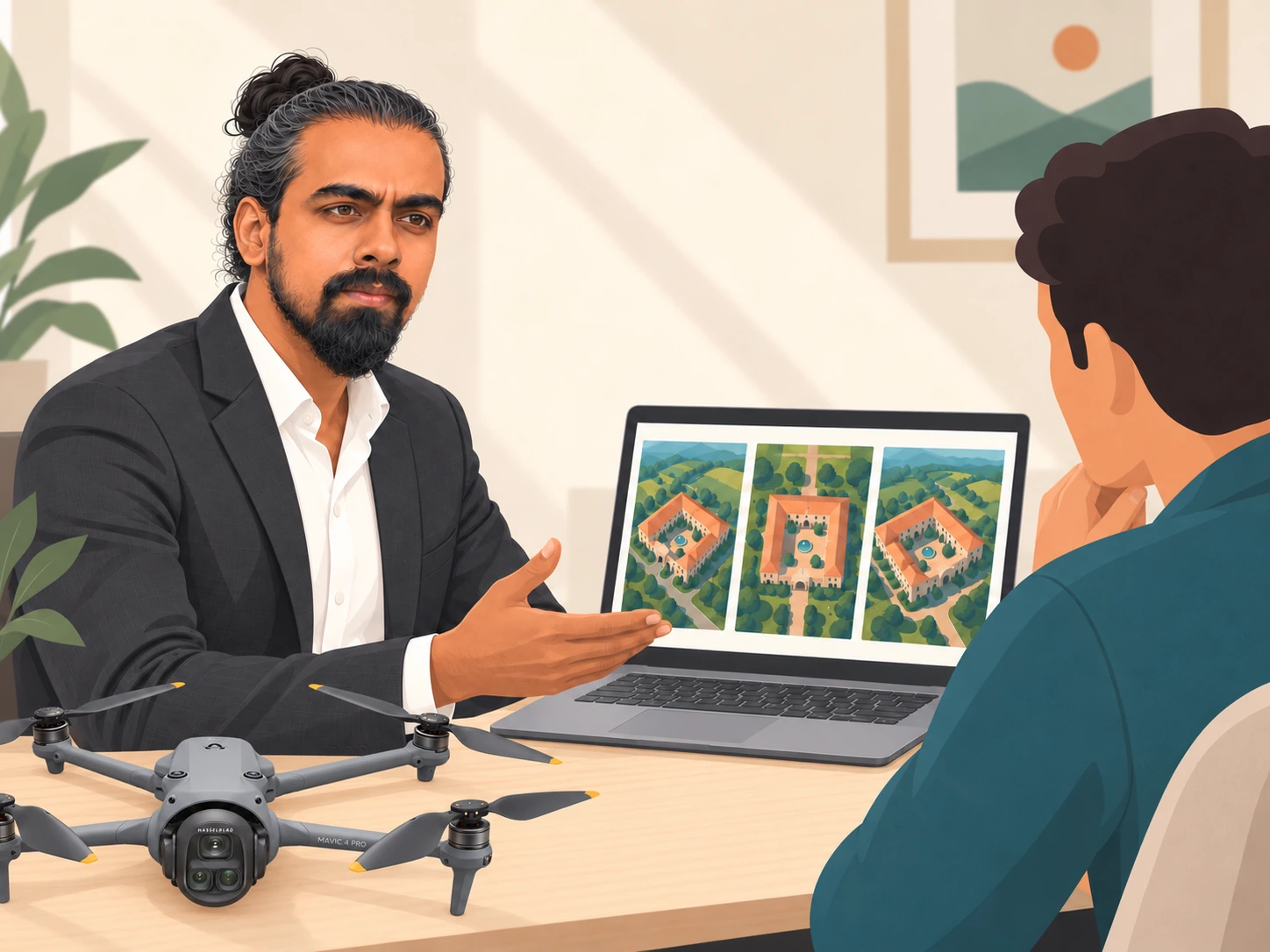
If an editor is already attached to your project, ask them what they need before the shoot. Share the intended use of the footage, any recording requirements and how the aerial shots will fit with the rest of the project.
A property walkthrough, a brand film and a social reel may call for different framing and shot choices. A reference or a short note from the editor gives us something useful to discuss, rather than leaving those decisions until the files reach the edit.
Send any specific recording requests in advance so I can confirm what is feasible for the planned shoot. We can then agree on the requirements together.
Agree on what will be handed over
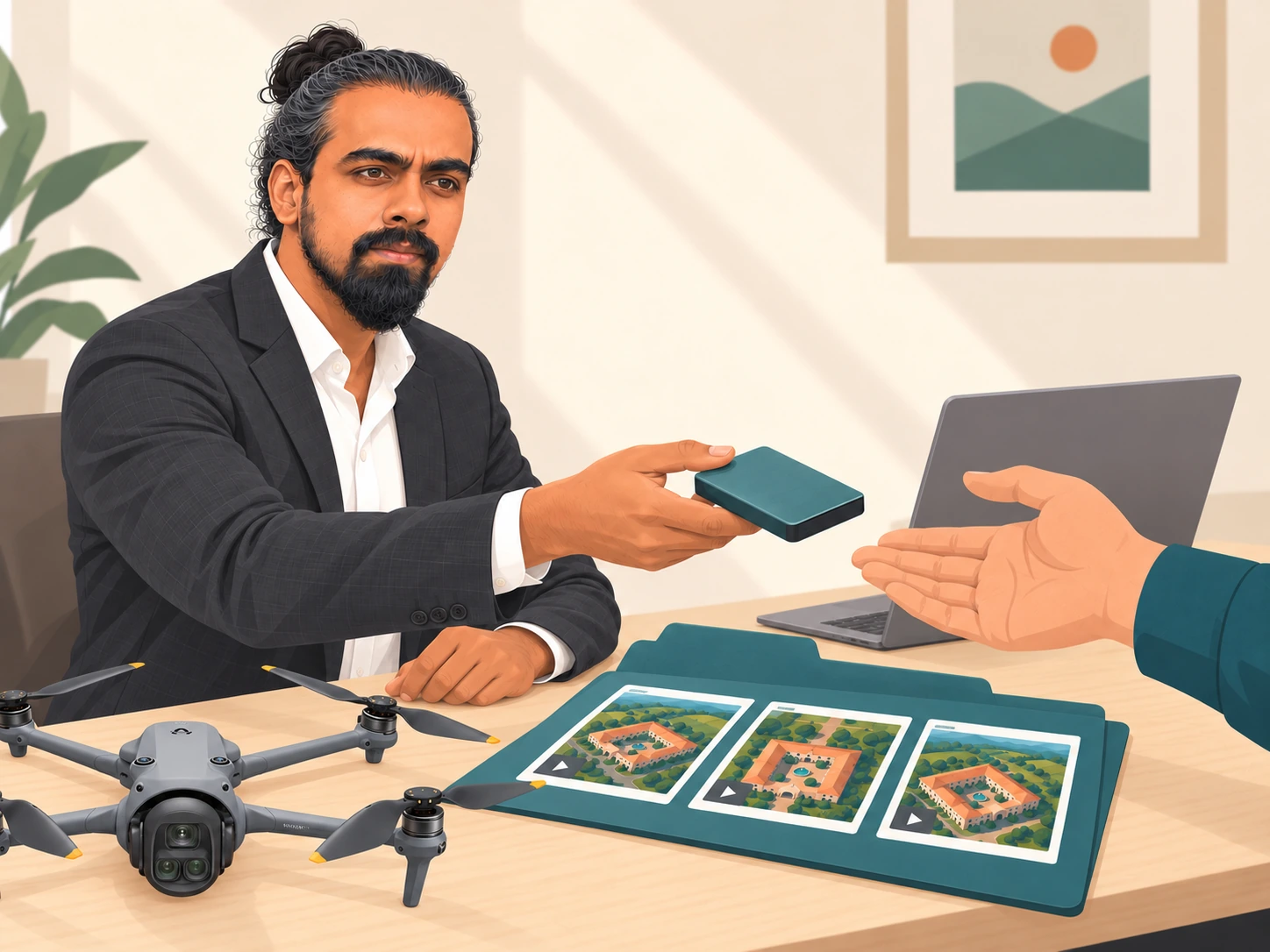
By original files, I mean the video or photo files captured during the shoot. They are the source material your team will use for the next stage of the project.
Editing, colour grading, music, titles and finished exports sit with your editing team. If your project needs those, arrange the editor and their scope before the shoot so everyone knows who is handling each stage.
If you need an editor, let me know before the shoot. I can connect you with editors in my network, and you can discuss the scope, costs and delivery directly with them.
It also helps to name one person who will receive the files. That could be you, a producer, an editor or another nominated team member. Agree the handover method and timing with me before the shoot.
Prepare a compatible laptop and storage setup
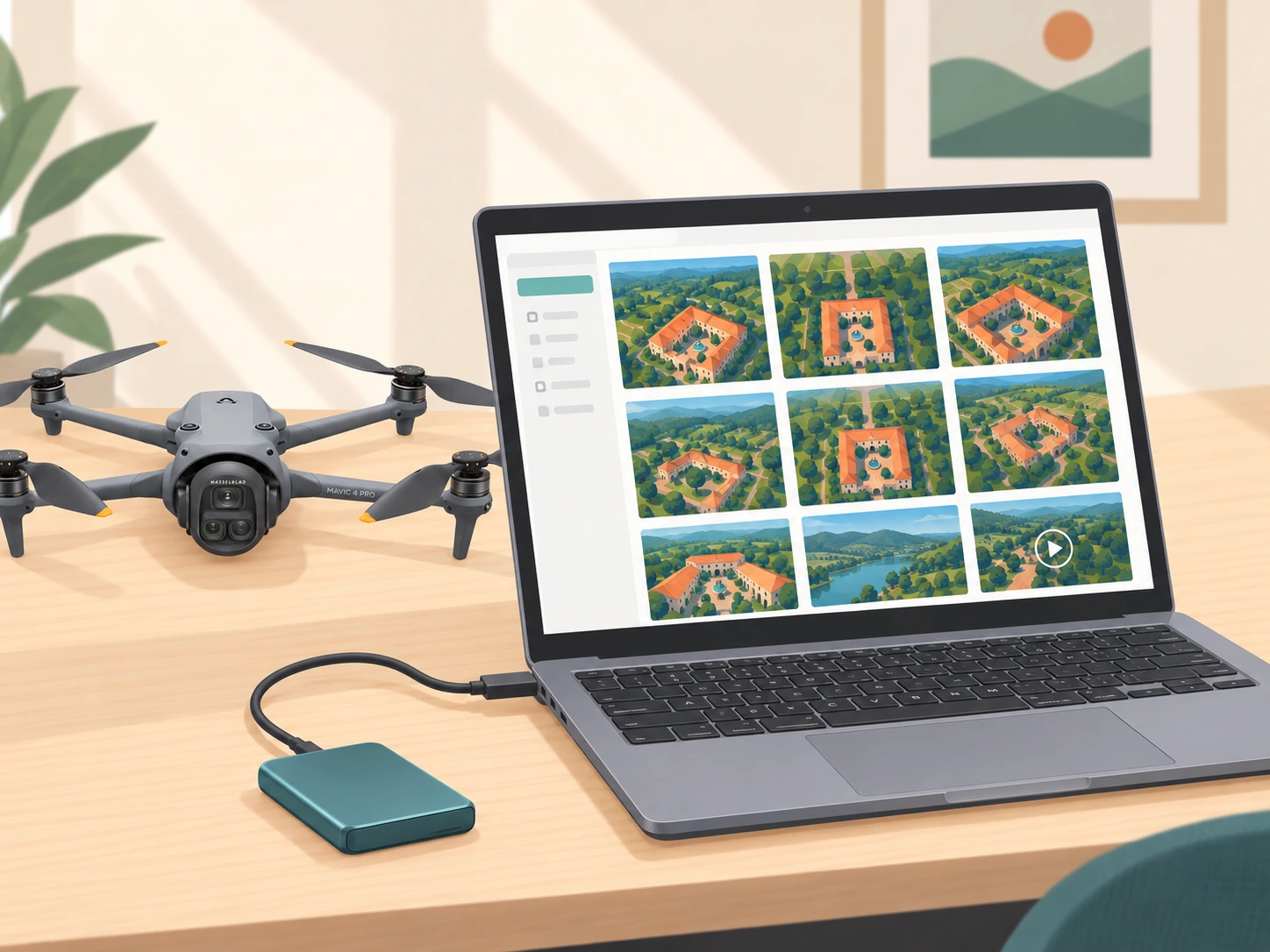
If we agree on a USB-C handover, bring a compatible laptop or storage setup and the connections it needs. Confirm the arrangement with me in advance so we know what will be available on location.
Check the available storage space before leaving for the shoot. If you are unsure how much space to allow, share the planned coverage and recording requirements so we can discuss preparation. Avoid planning around an assumed file size before the shoot requirements are clear.
Have the receiving device ready to use, with power available for the transfer. A prepared setup helps keep the handover straightforward when the shoot wraps.
Allow time to copy and check the files
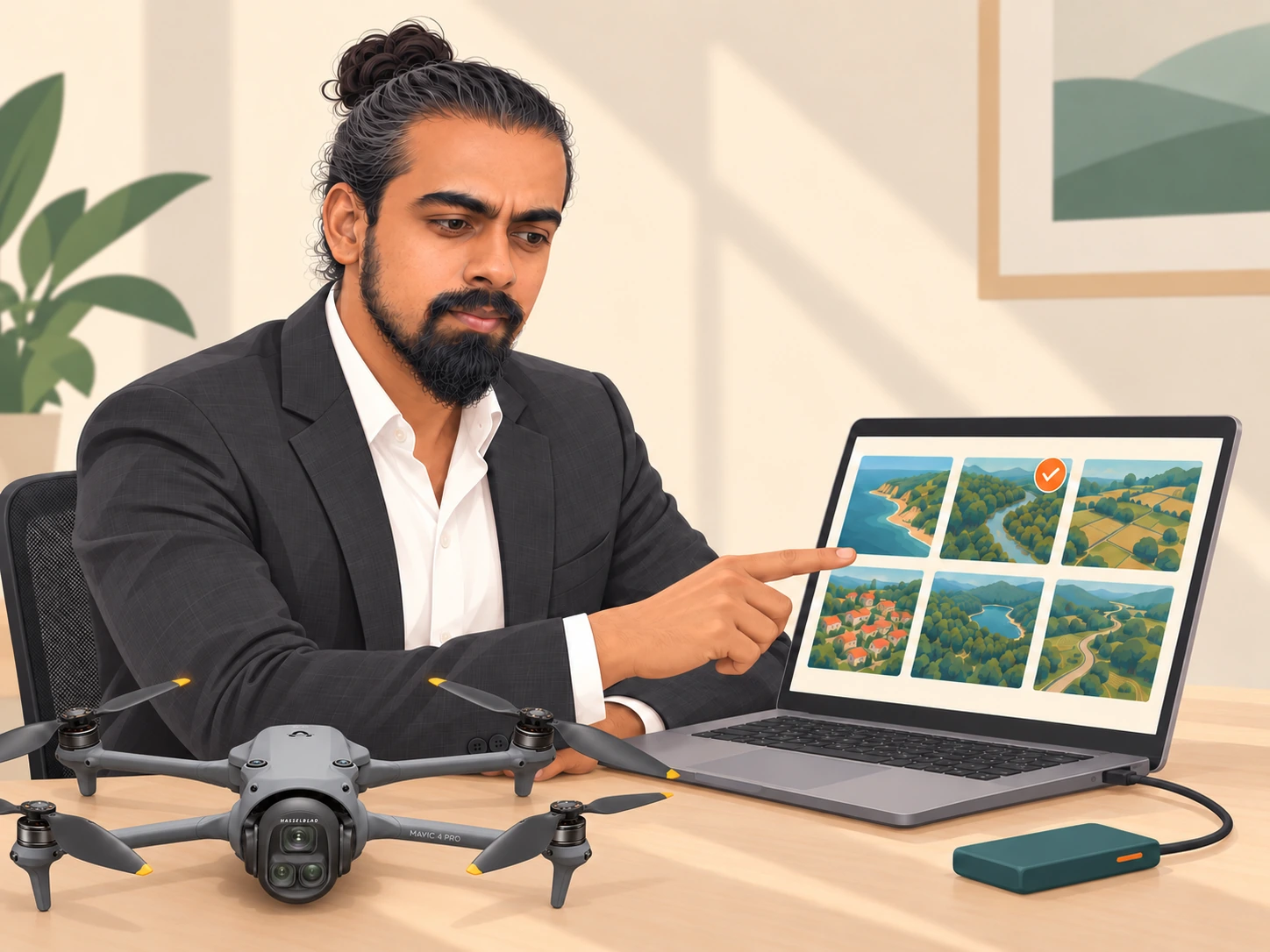
Build handover time into the day’s plan. Finishing the last shot and completing the file transfer are separate steps, so tell me if your team needs to leave the location by a particular time.
Once the copy is complete, check that the expected folders and files are present. Open a selection of the copied photos or clips on the receiving setup, and involve your editor if anything needs checking.
If something appears missing or will not open as expected, flag it promptly so we can check it together. The aim is to finish the handover with a clear understanding of what your team has received.
Put the originals into your team’s storage workflow
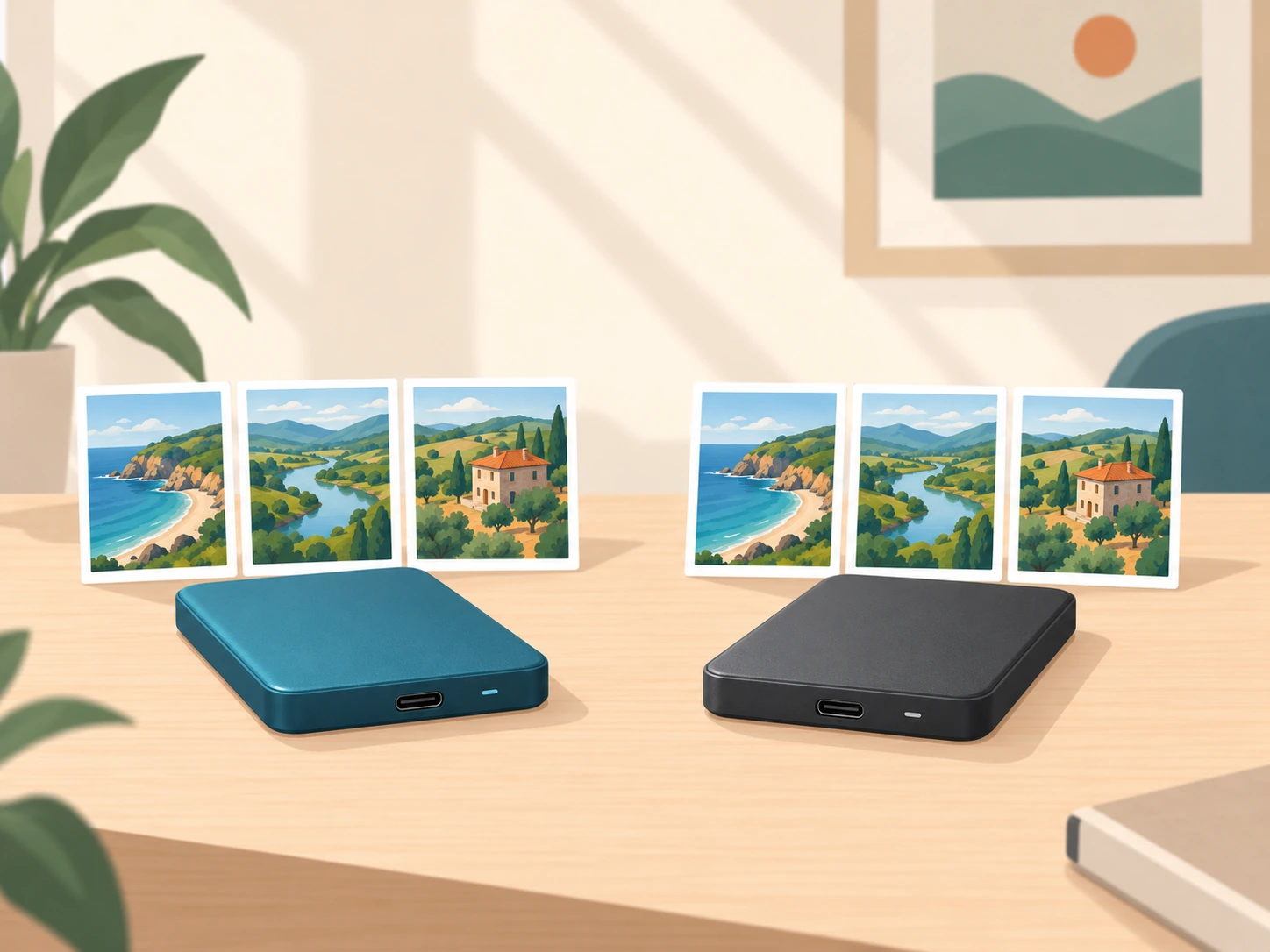
After handover, make a separate backup of the original files and confirm where your team will keep them. Give the editor the folder location and any useful shot notes, especially if several people or locations are involved.
Keep a clear copy of the originals while your editor organises the working project. A folder labelled with the project name, shoot date and location can help the team recognise the right material later.
Choose who is responsible for the long-term copy. It is an easy detail to overlook when the producer receives the files but someone else handles the edit.
Keep the 30-day retention window in mind
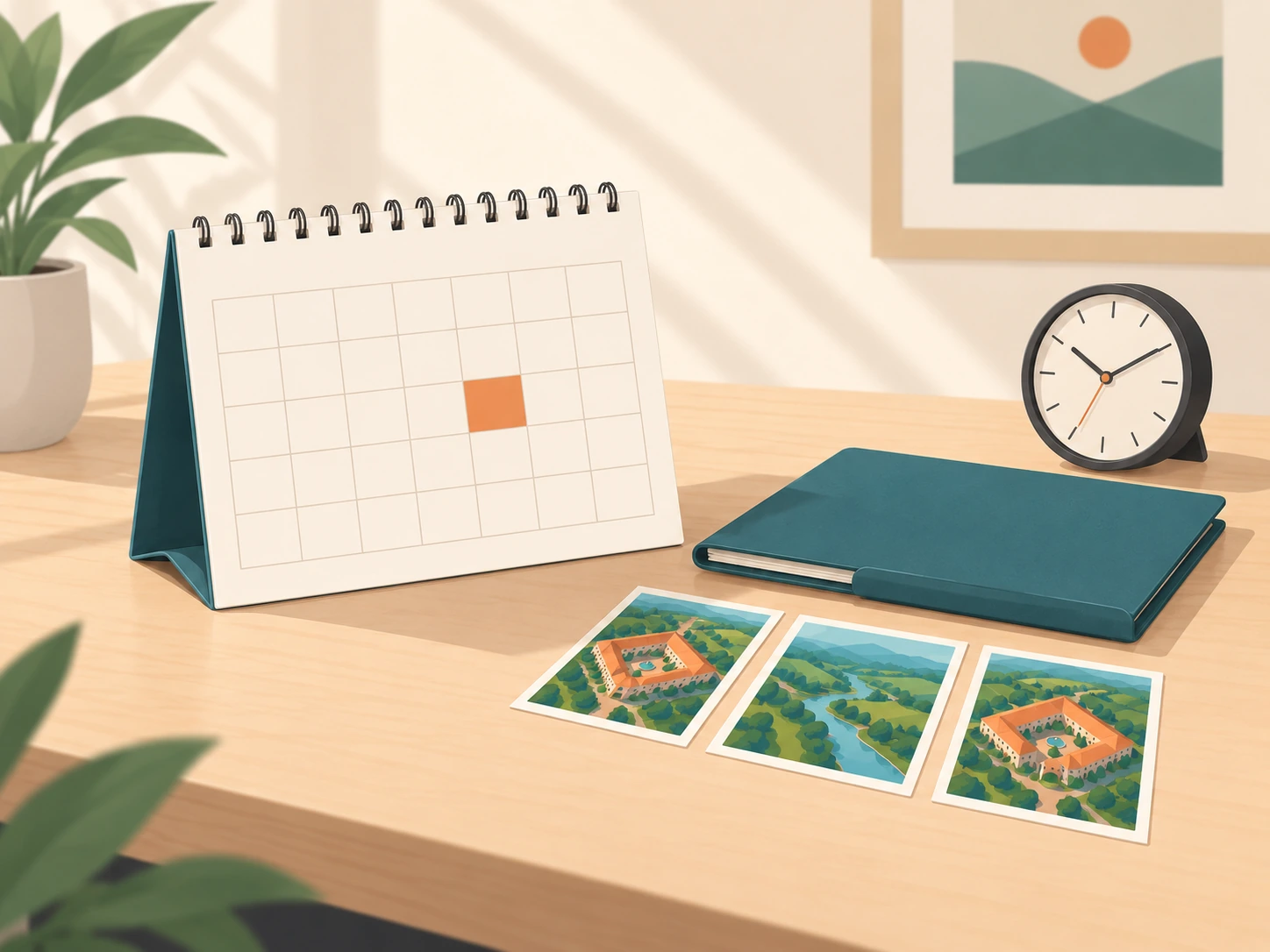
I retain raw shoot files for 30 days and clear them periodically. Your team is responsible for editing and long-term storage, so use the handover to establish your own copies and backups promptly.
If you notice a missing file or need me to check something, contact me within that retention window. Once files have been cleared, a later copy may no longer be available.
Treat your own verified copy and backup as part of completing the project handover.
Send a short handover note before the shoot
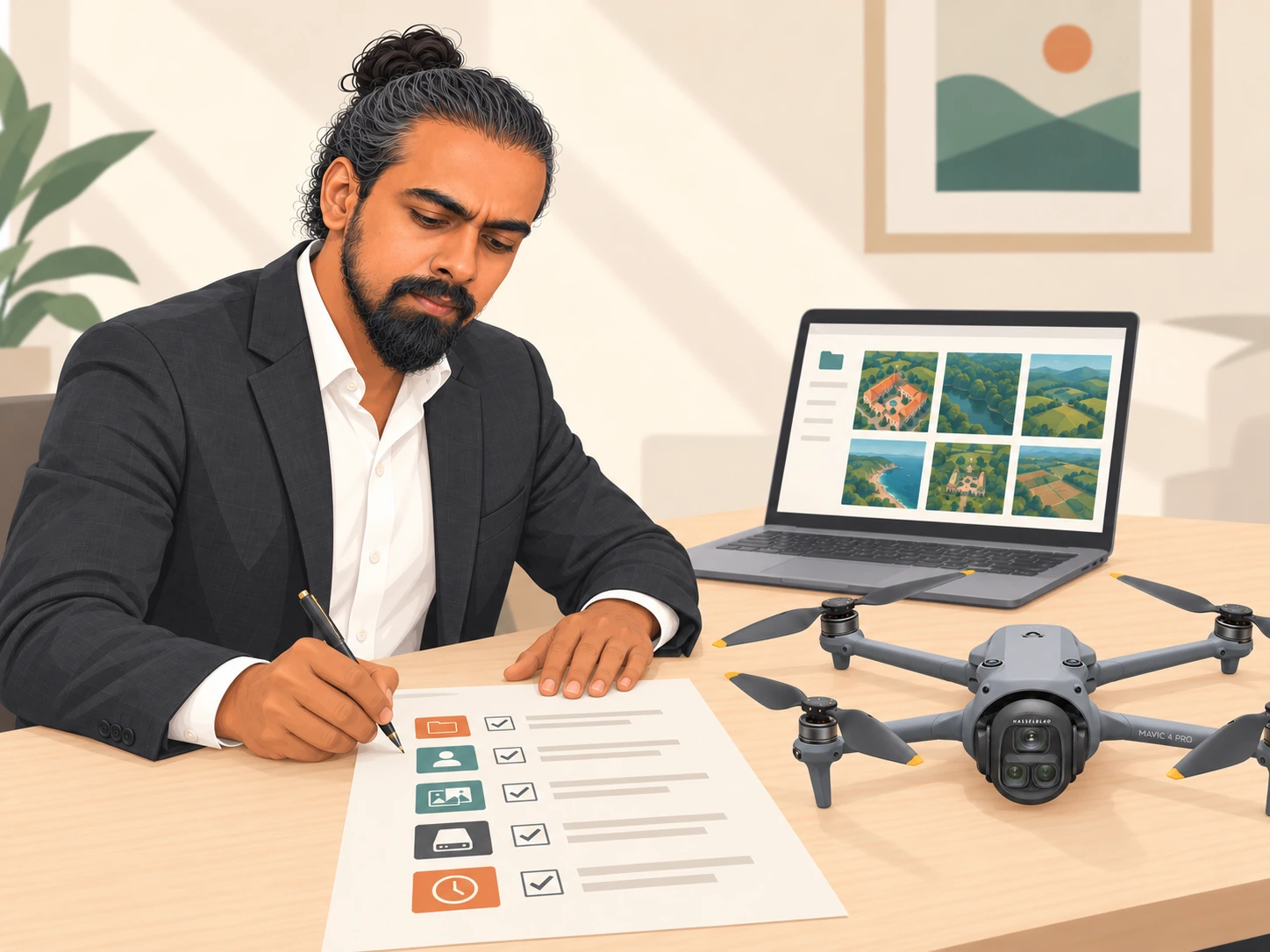
You do not need a long technical document. A few clear details help me coordinate with the person receiving the files:
Project and shoot date:
Person receiving the files and their role:
Editor or editing-team contact, if relevant:
Intended use and recording requests:
Laptop or storage setup you plan to bring:
Preferred handover timing or departure deadline:
Person responsible for backups and long-term storage:
Send this with your shoot brief and we can confirm the arrangement before the day. If you are still planning the coverage itself, start with what to share before booking a drone shoot.
Planning a drone shoot in Bengaluru or elsewhere in India? Get in touch with your project details, recording needs and budget range, and we can discuss the shoot and handover together.